Quizzes & assessments
Quizzes that grade themselves
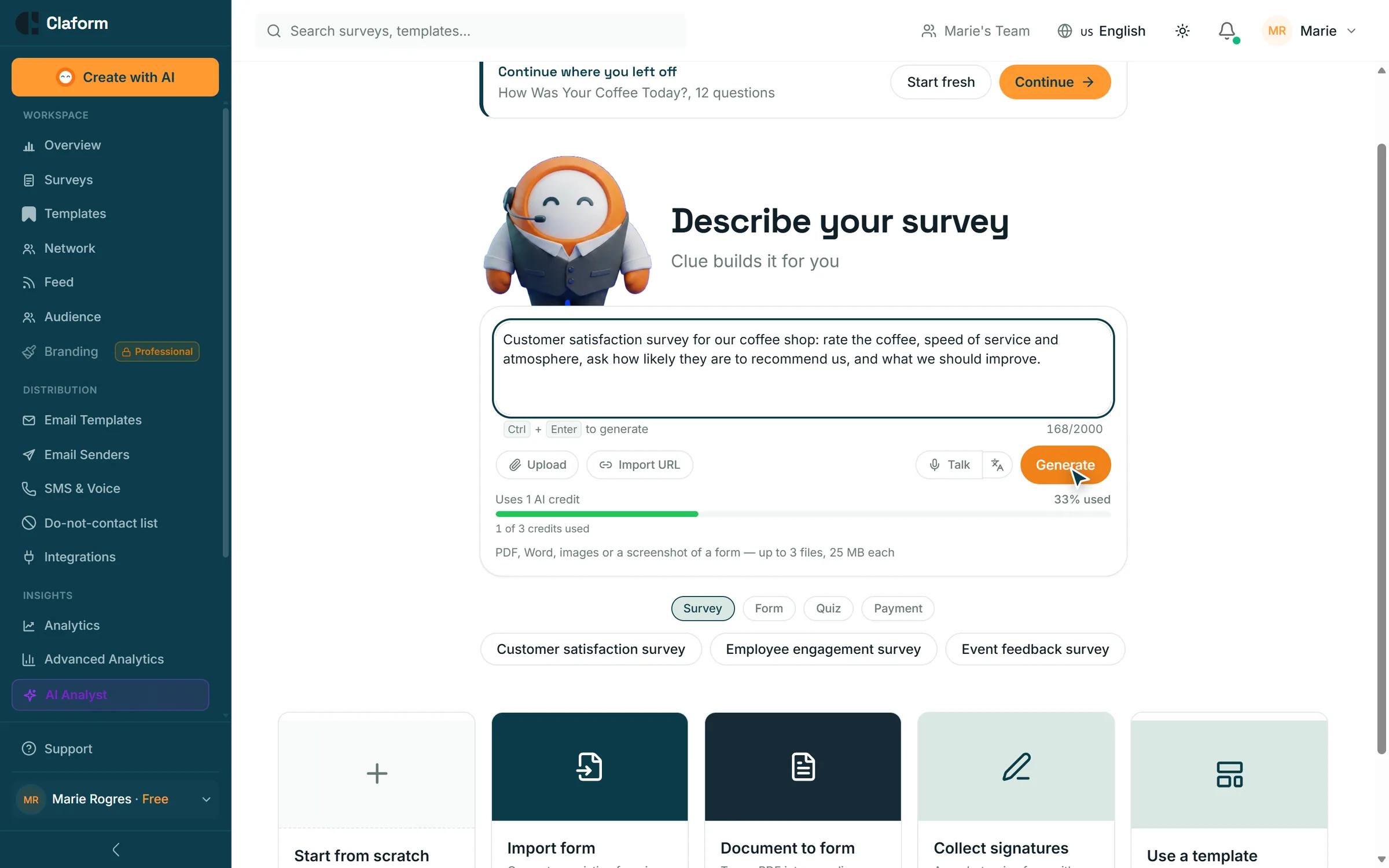
Set an answer key and Claform scores every attempt the moment it is submitted. Add timers, retakes, question pools and proctoring, keep a gradebook, and send certificates to everyone who passes.
- Automatic scoring
- Timers, retakes and pools
- Gradebook and item analysis
- Certificates on Business
The challenge
Assessments take too much admin
Marking, chasing and reporting eat the time meant for teaching.
Marking by hand
Every attempt has to be checked and totalled before anyone sees a result.
Easy to copy
The same questions in the same order make sharing answers simple.
Scattered results
Scores live in emails and spreadsheets instead of one gradebook.
Certificates by hand
Someone has to make and send a certificate for every person who passes.
How Claform helps
Build, deliver and grade in one place
Real quiz features, from the answer key to the certificate.
Answer keys on any question
Mark the correct answers and points for choice, number, text, rating, ranking and matrix questions, with partial credit where it makes sense.
- Automatic scoring on submit
- Partial credit for matrix questions
- Manual grading queue for open answers
Fair delivery
Set a time limit, allow retakes, serve random questions from a pool and shuffle options. Turn on proctoring to track tab switches and block pasting.
- Timers and retake limits
- Question pools and shuffled options
- Proctoring signals per attempt
Results everyone can use
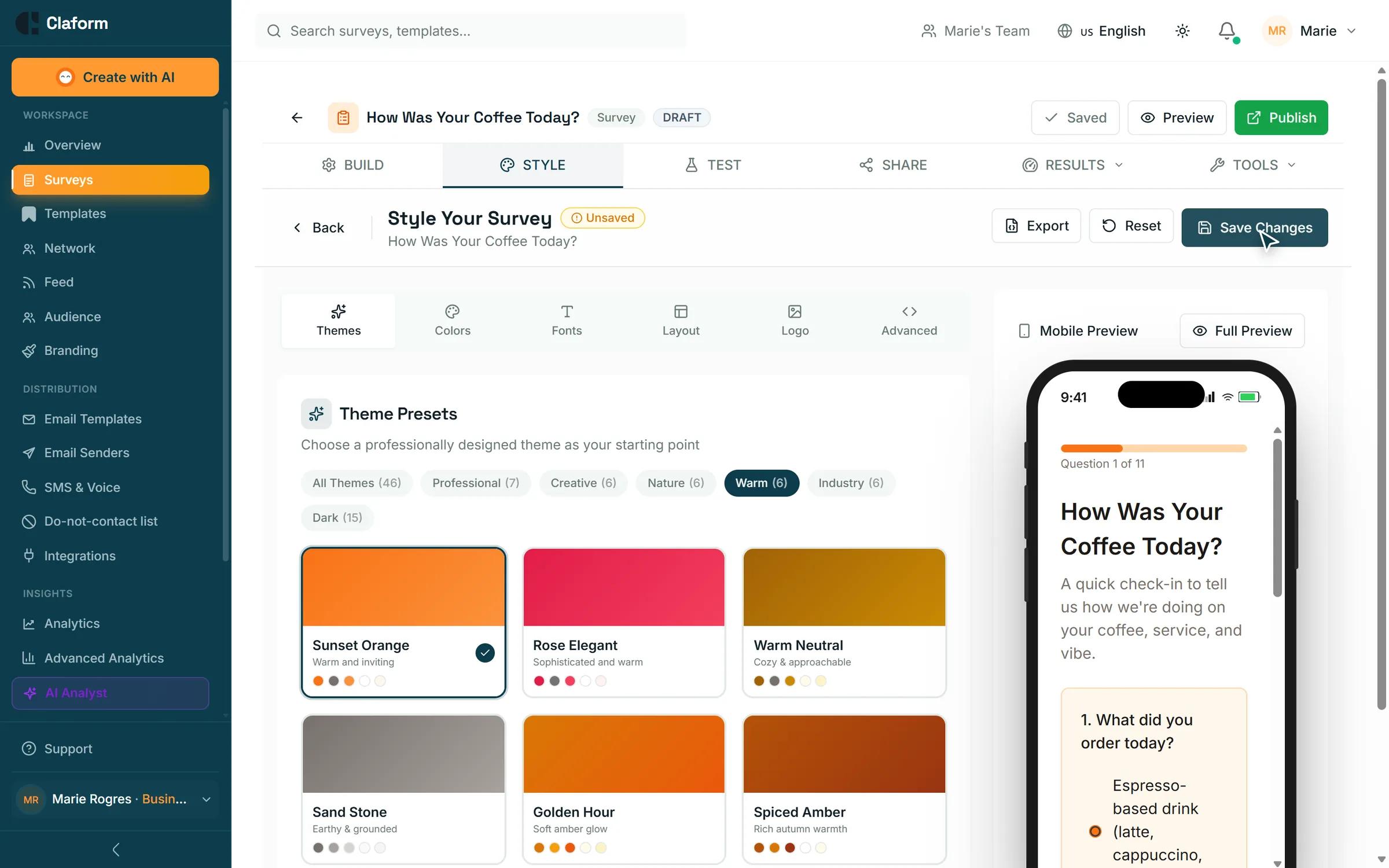
See every attempt in one place, with a gradebook you can export, a leaderboard, item analysis, score emails and certificates on the Business plan.
- Gradebook with XLSX export
- Item analysis per question
- Score emails and PDF certificates
How it works
- 01
Write the quiz
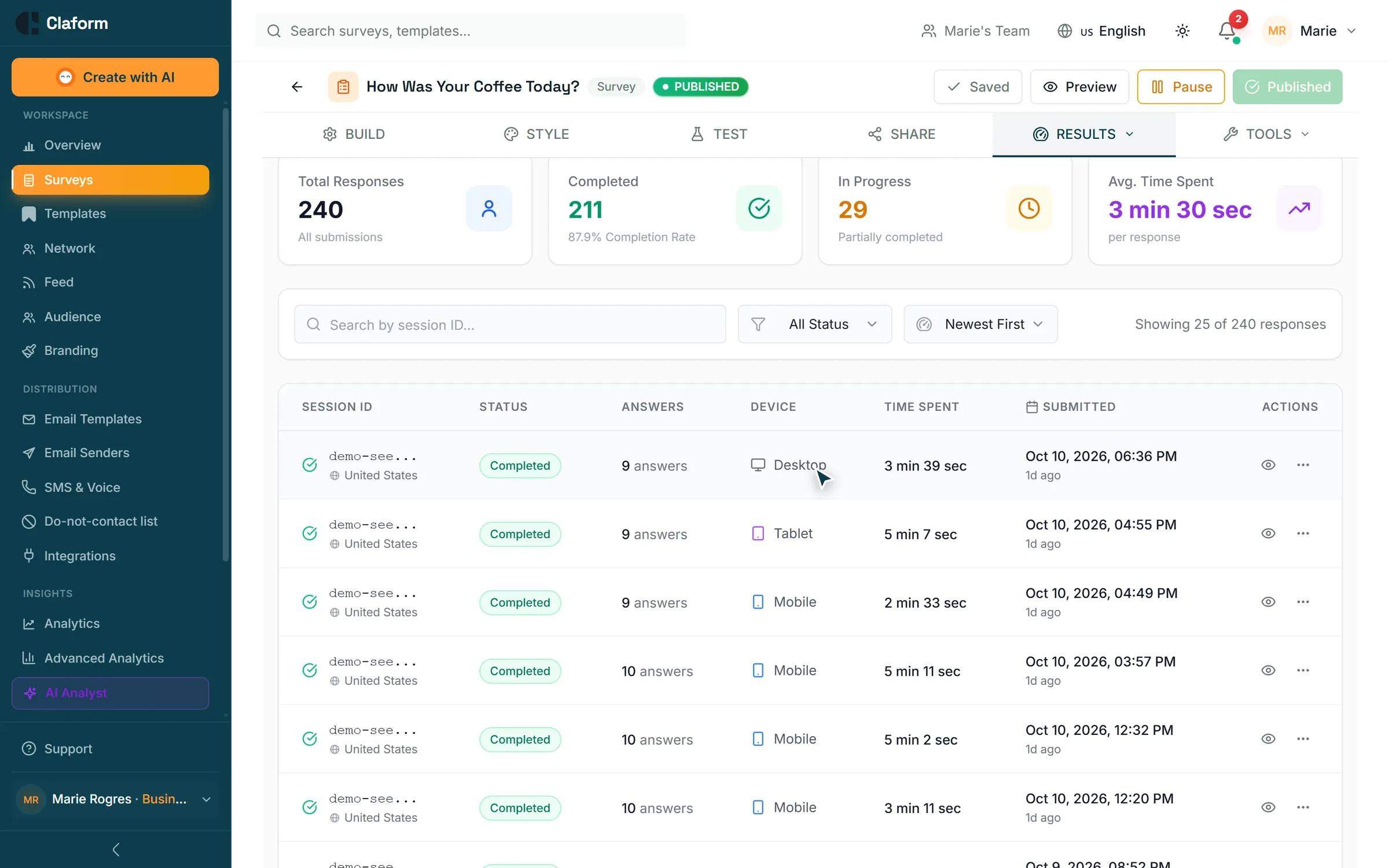
Add questions yourself or let Clue AI draft them, then set the answer key.
- 02
Set the rules
Choose time limits, retakes, pools and who can take it.
- 03
Grade and certify
Scores arrive instantly, open answers go to the grading queue, certificates go out automatically.
Templates for training and education
Start from an evaluation and add graded questions.
- Training Effectiveness Survey TemplateMeasure the impact of training programs. Evaluate content quality, instructor effectiveness, knowledge transfer, and on-the-job application.View template
- Course Evaluation Survey TemplateComprehensive course evaluation template for educational institutions and training programs. Measure learning outcomes, instructor effectiveness, and course quality.View template
- Onboarding Feedback Survey TemplateOptimize your customer onboarding experience. Gather feedback on setup process, training effectiveness, and time-to-value for new users.View template
What you get
- Question types
- 35+Question typesChoice, ranking, matrix, date, file upload and more
- Gradebook export
- XLSXGradebook exportBest and last scores and attempts per person
- Certificates
- PDFCertificatesBranded, with a verification QR code, on Business
- Quiz languages
- 7Quiz languagesRespondent pages in seven languages
Quiz questions, answered
Which plan includes quiz scoring?
Quiz scoring is available on Professional and above, and certificates on Business. Professional comes with a 7-day free trial.
Can open answers be graded?
Yes. Free-text, file upload and signature answers go to a grading queue, and the score updates when you grade them.
Can I limit who takes the quiz?
Yes. Give each person in an audience their own access code, and set how many attempts they get.
How are certificates verified?
Each PDF certificate carries a QR code that opens a verification page, so anyone can confirm it is genuine.
Stop marking, start teaching
Try quiz scoring with the 7-day free trial on Professional, or start on the Free plan with no credit card.