QR code surveys
QR code surveys for feedback on the spot
Turn any survey into a QR code. Put it on tables, receipts, posters and printed sheets, or set up a tablet kiosk that keeps collecting when the connection drops.
- QR codes on the Free plan
- PNG and SVG downloads
- Printable PDF survey sheets
- Offline kiosk collection
How do I create a QR code for a survey?
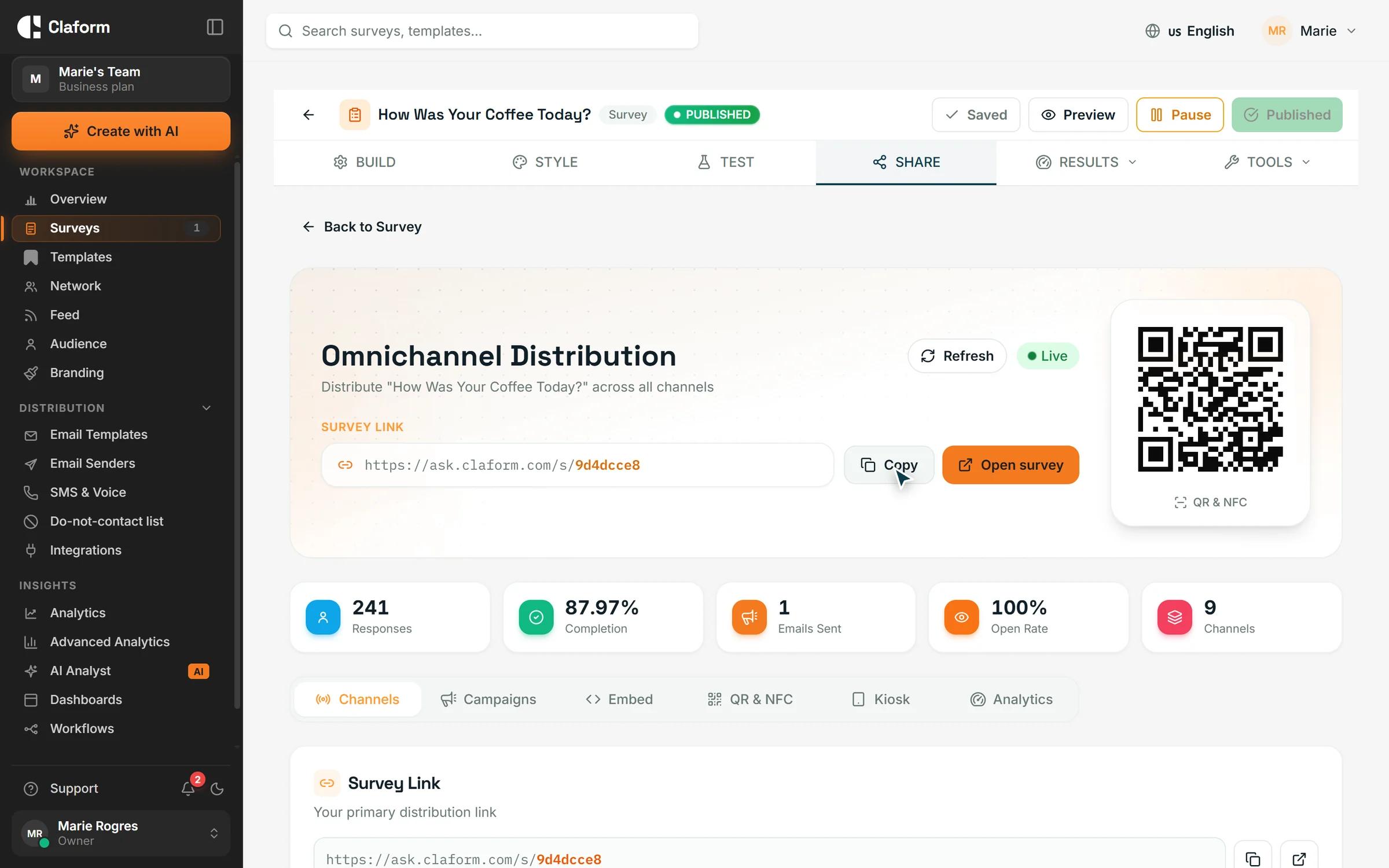
In Claform, publish your survey and open its Share page. The QR code tab creates a code for the survey link that you can resize, recolour and download as PNG or SVG. Print it on posters, receipts or tables: each scan opens the survey on the phone and is counted as a QR response.
The challenge
Feedback is easiest to give in the moment
In shops, clinics and events, the moment has passed by the time an email arrives.
Paper cards pile up
Someone has to collect, read and type in every paper feedback card.
Links nobody types
A printed web address is hard to read and easy to mistype on a phone.
Patchy connections
Venues, basements and outdoor sites often have weak or no internet.
Feedback arrives late
By the time a follow-up email lands, the details of the visit are forgotten.
How Claform helps
From QR code to results
Create the code, reach people where they are and read every answer in one place.
Generate the QR code
Every published survey has a QR code on its Share page. Choose the size, including a large print size, set the colours and error correction level, and download it as PNG or SVG. The same tab gives you a link to write onto your own NFC tags.
- PNG and SVG downloads
- Size, colour and error correction
- NFC link for tap-to-open tags
A survey made for phones
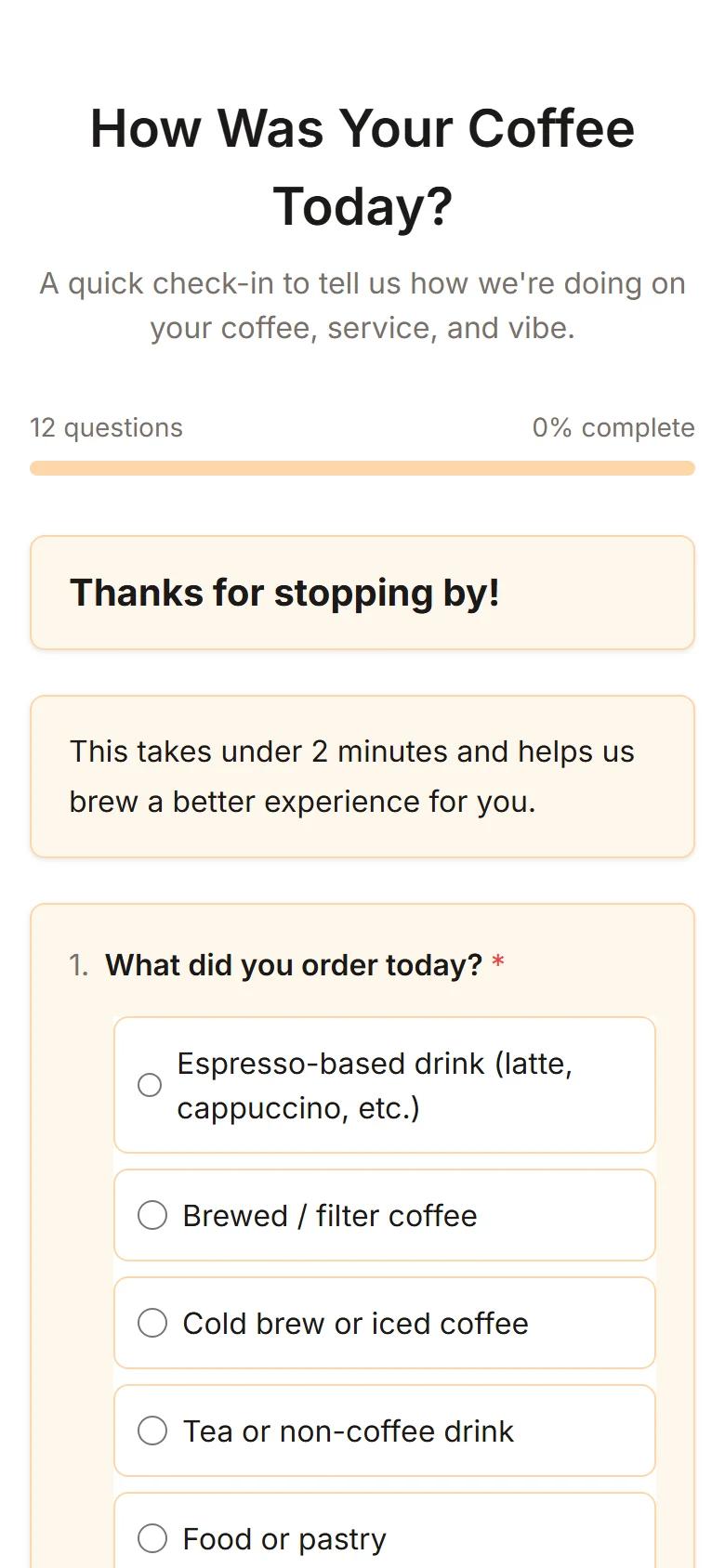
A scan opens the survey straight in the phone's browser, with no app to install. Pages adapt to small screens, follow your survey theme and are available in seven respondent languages.
- No app to install
- Mobile-friendly pages and themes
- Respondent pages in 7 languages
Print, kiosk and one set of results
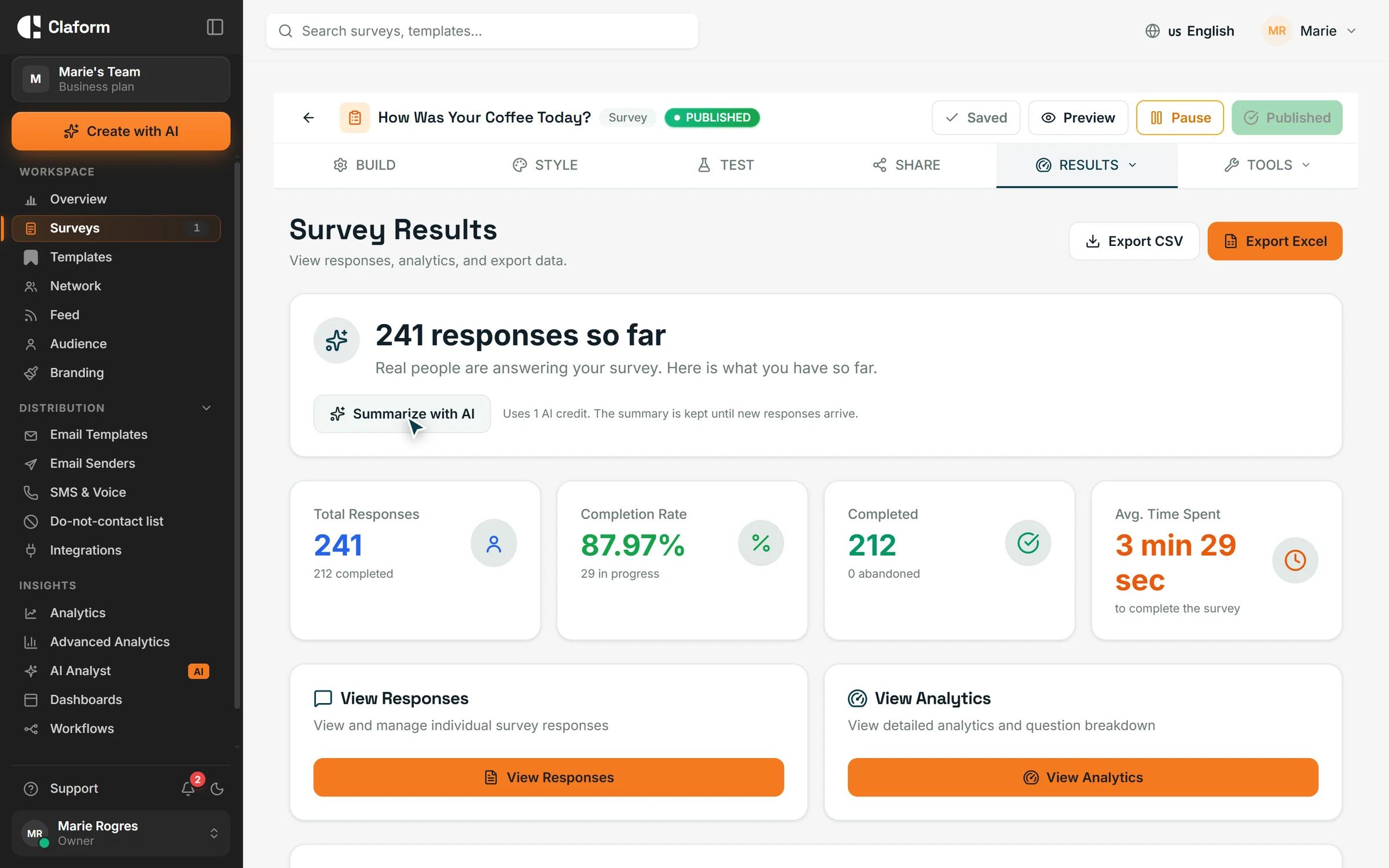
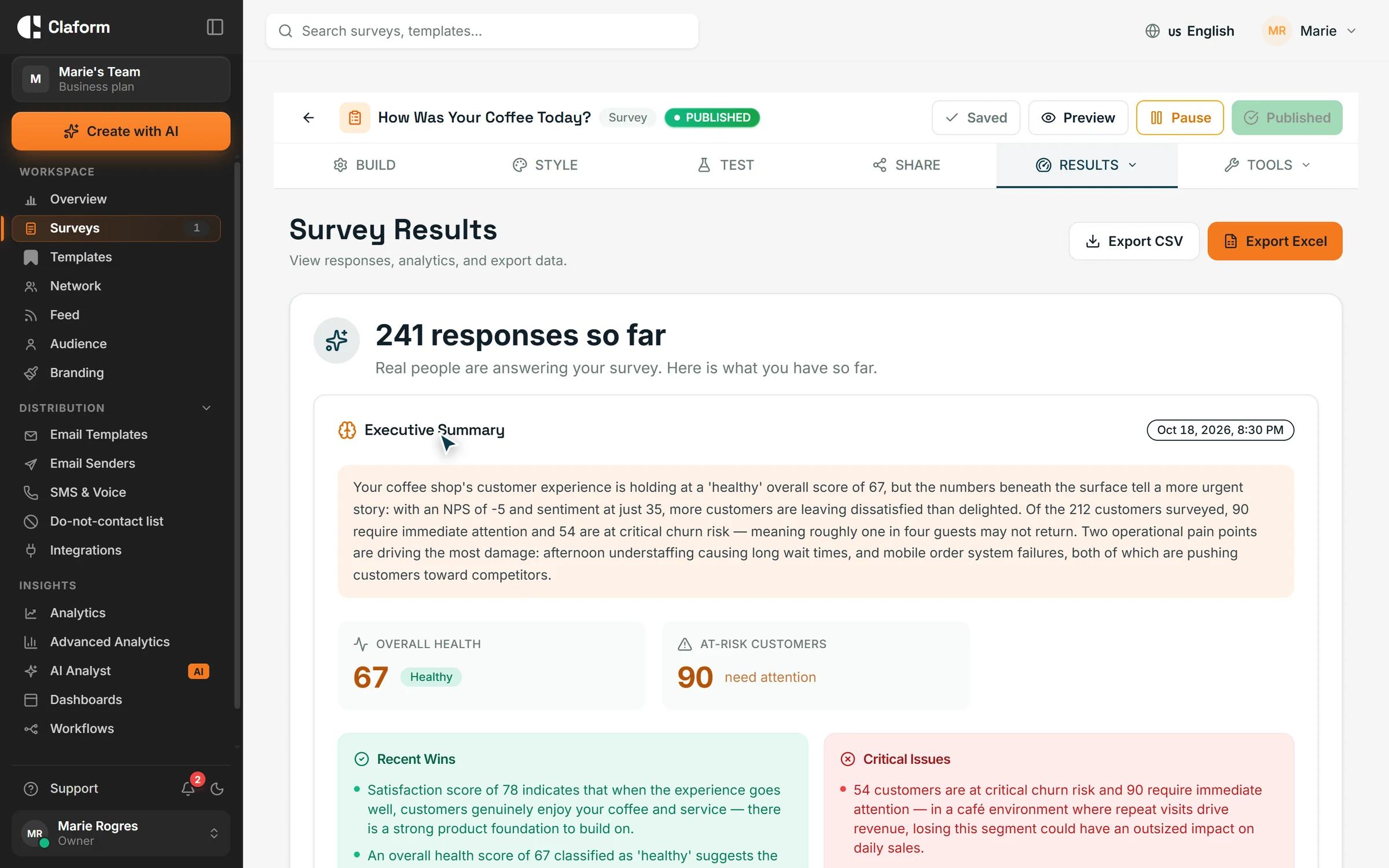
Generate a printable PDF of the survey with its QR code. For on-site collection, run the survey on a tablet in kiosk mode, which resets for the next person. With the native SDKs, kiosk devices collect offline and sync later. QR scans are tagged, so the results show how many answers came from the code.
- PDF survey sheets with QR code
- Kiosk mode with automatic reset
- Offline collection with sync
How to create a QR code survey
- 01
Publish your survey
Build it yourself, start from a template or let Clue AI draft it, then publish.
- 02
Download or print the code
Save the QR code as PNG or SVG, or generate a PDF survey sheet that includes it.
- 03
Collect and review
Place the code where people are, then follow responses as they arrive.
Surveys that work well with a QR code
Short surveys for events, visits and purchases.
- Event Feedback Survey TemplateCapture valuable feedback after conferences, webinars, workshops, and corporate events. Includes questions on content, speakers, logistics, and overall satisfaction.View template
- Patient Satisfaction Survey TemplateCAHPS-aligned patient satisfaction survey for healthcare providers. Measure care quality, provider communication, and patient experience across key touchpoints.View template
- Customer Satisfaction (CSAT) Survey TemplateMeasure customer satisfaction with this proven CSAT survey template. Includes key satisfaction questions, follow-up prompts, and benchmarking guidelines.View template
What you get
- QR code downloads
- PNG + SVGQR code downloadsFor screens, print and design files
- PDF page sizes
- 3PDF page sizesA4, Letter and Legal
- Theme presets
- 46Theme presetsStyle the survey people see after a scan
- Survey languages
- 7Survey languagesRespondent pages in seven languages
QR code survey questions, answered
How do I create a QR code for my survey?
Publish the survey, open its Share page and choose the QR code tab. Set the size and colours, then download the code as PNG or SVG and add it to your printed or digital materials.
Is the survey QR code free?
Yes. QR codes are included on the Free plan. Printable PDF survey sheets are on Starter and above, and kiosk mode with offline collection is on Professional and above.
Can a QR code survey work offline?
The phone that scans the code needs a connection to open the survey. For places without reliable internet, use kiosk mode: with Claform's native SDKs, a registered device downloads an offline package, collects responses without a connection and syncs them when it is back online.
Does the QR code change if I edit the survey?
No. The code points to the survey's link, which stays the same when you edit the survey, so printed codes keep working while the survey is published.
Can I see how many responses came from the QR code?
Yes. The QR code carries a source tag, and the Share page analytics group responses by source, so scans appear separately from direct and embedded responses.
Can I print a paper version of the survey?
Yes, on Starter and above. Claform generates a PDF of the survey with its QR code, in A4, Letter or Legal and in a standard, compact or branded layout.
Can I use NFC tags as well as QR codes?
Yes. The QR code tab also gives you a survey link tagged for NFC, which you can write onto your own NFC tags so people can tap their phone instead of scanning.
Put your survey where people are
Create a QR code survey on the Free plan, with no credit card.