Website surveys
Website surveys and feedback widgets
Ask visitors where they already are. Embed a survey in a page, open it as a popup or add a slide-in feedback button, all styled with your survey theme and counted as embedded responses.
- Iframe and inline embeds
- Popup and slide-in widget
- Your theme on any page
- In-app surveys with 4 SDKs
How do I embed a survey on my website?
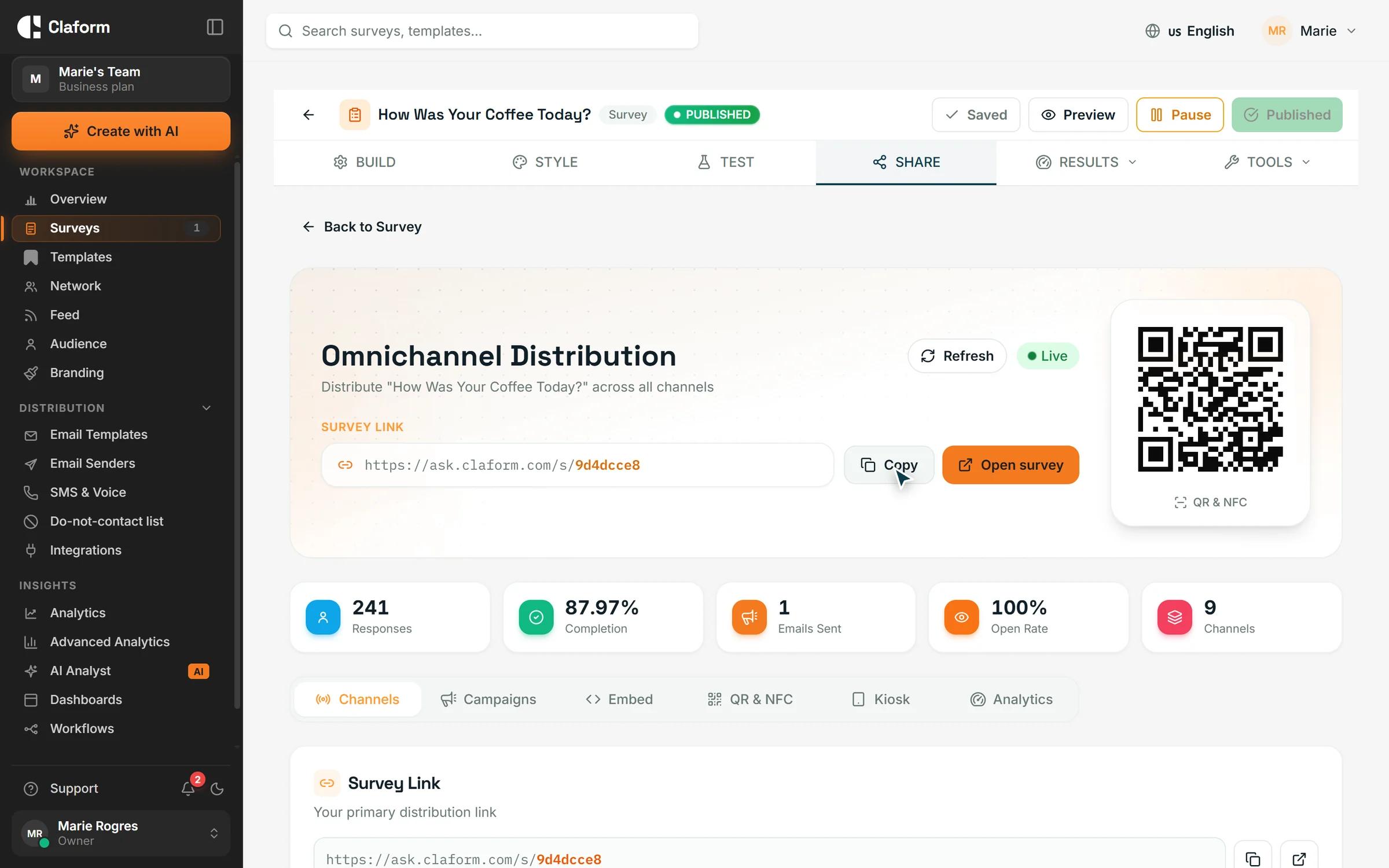
In Claform, publish the survey, open its Share page and choose Embed. Pick an iframe, an inline embed that resizes to fit, a popup or a slide-in feedback button, then copy the snippet into your page's HTML. Embedding is on Professional and above; a plain survey link works on every plan.
The challenge
Website feedback is hard to collect
Visitors move on quickly, and the usual ways of asking get in their way.
One click too many
Sending visitors to another site to answer adds a step before anyone replies.
Embeds that fight the page
Fixed-height frames cut off questions or leave large empty gaps.
Desktop-only forms
A form that is fine on a laptop can be awkward on a phone.
Answers without a source
Website answers mix with every other channel, so you cannot tell them apart.
How Claform helps
Put the survey on your site, not next to it
Embed options, styling and results, shown on real screens.
Copy the embed code
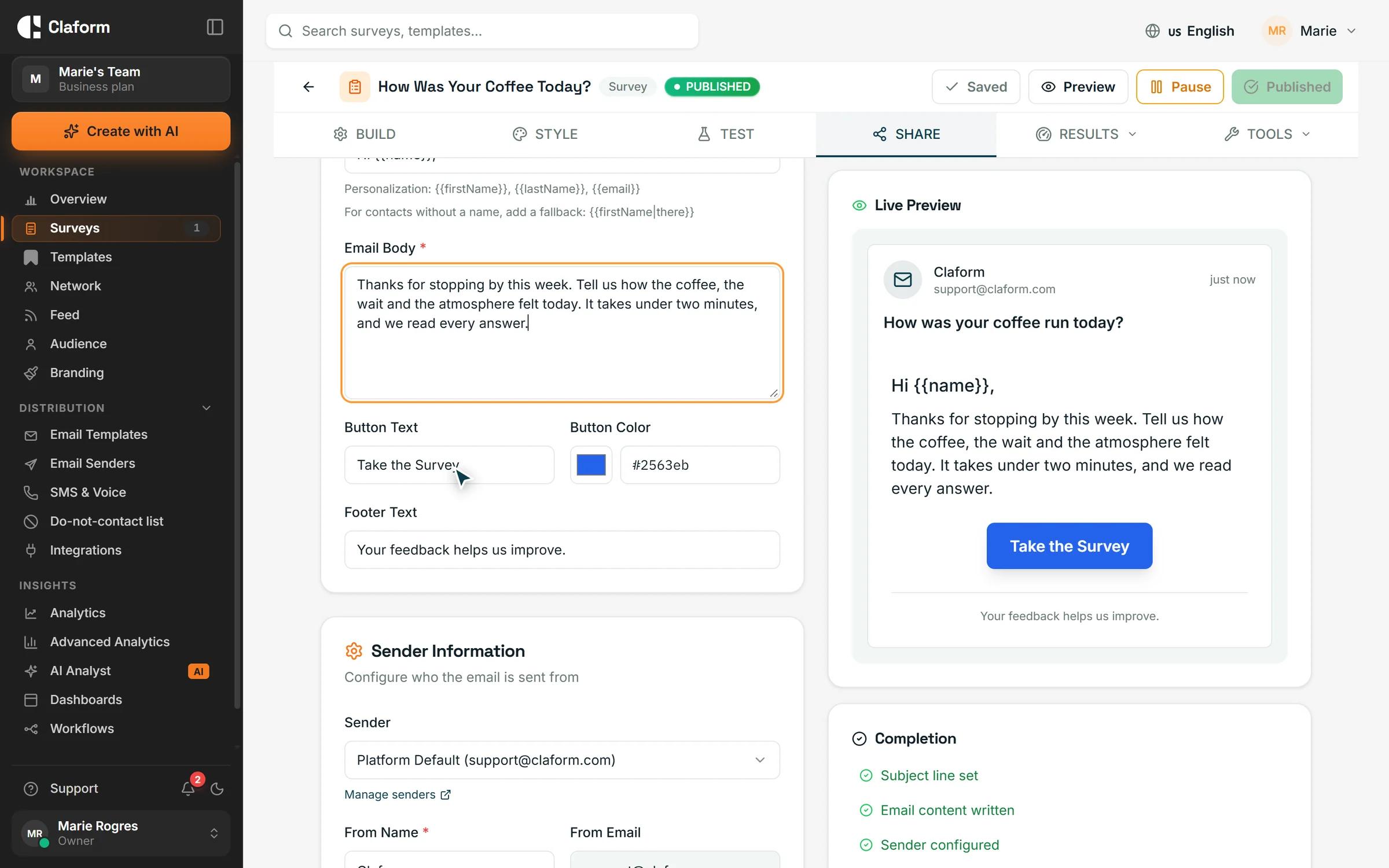
The Share page writes the snippet for you. Choose an iframe with your own width, height and corner radius, an inline embed that grows and shrinks with the survey, a popup that opens from a button, or a slide-in panel behind a floating feedback button on the left or right.
- Iframe and auto-resizing inline embed
- Popup and slide-in feedback widget
- On Professional and above
Match your brand
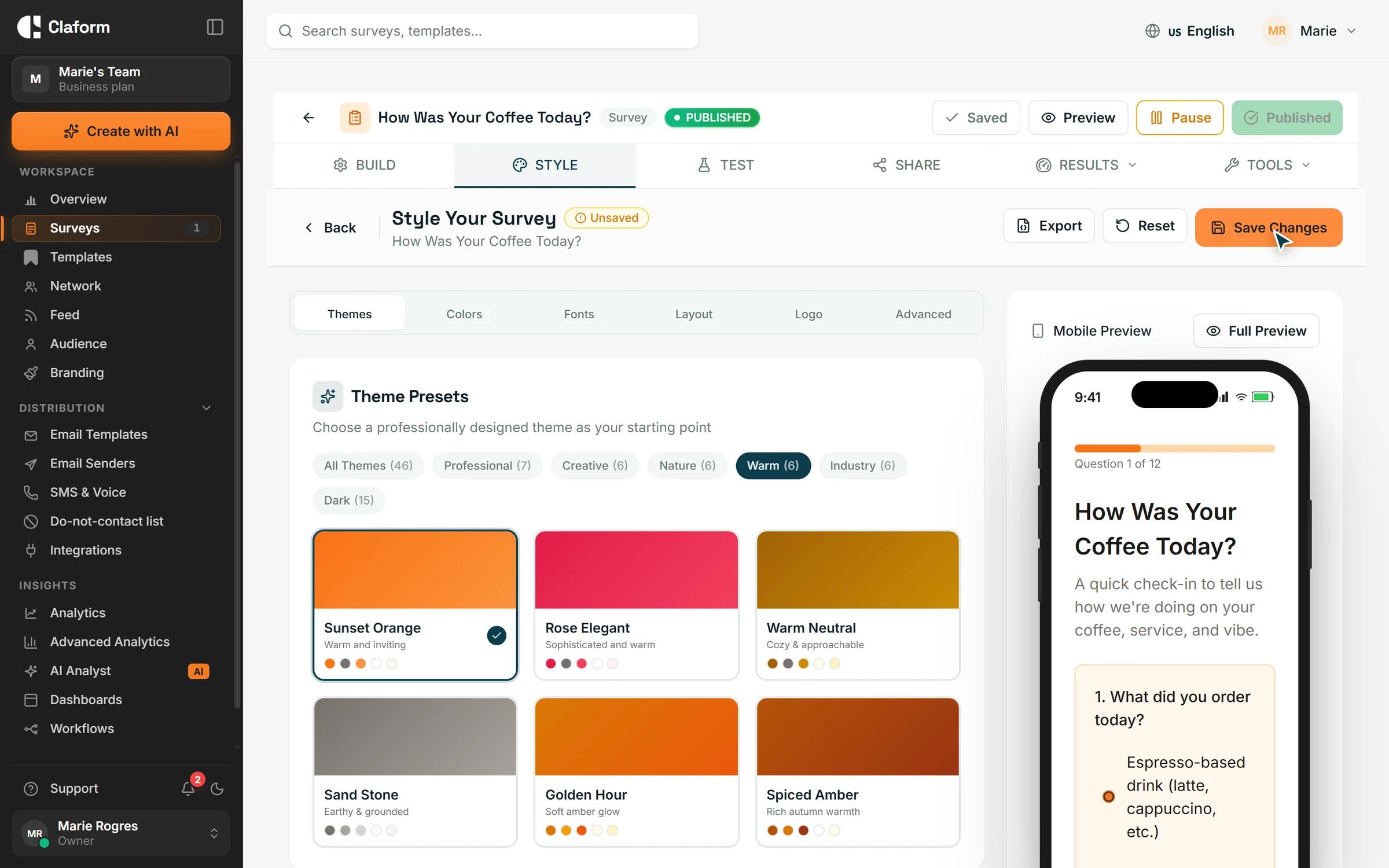
Pick one of 46 theme presets or set your own colours, and check the mobile preview before you publish. The embedded survey uses the same theme, so it looks the same on your site as on its own link.
- 46 theme presets
- Mobile preview
- Respondent pages in 7 languages
See what visitors said
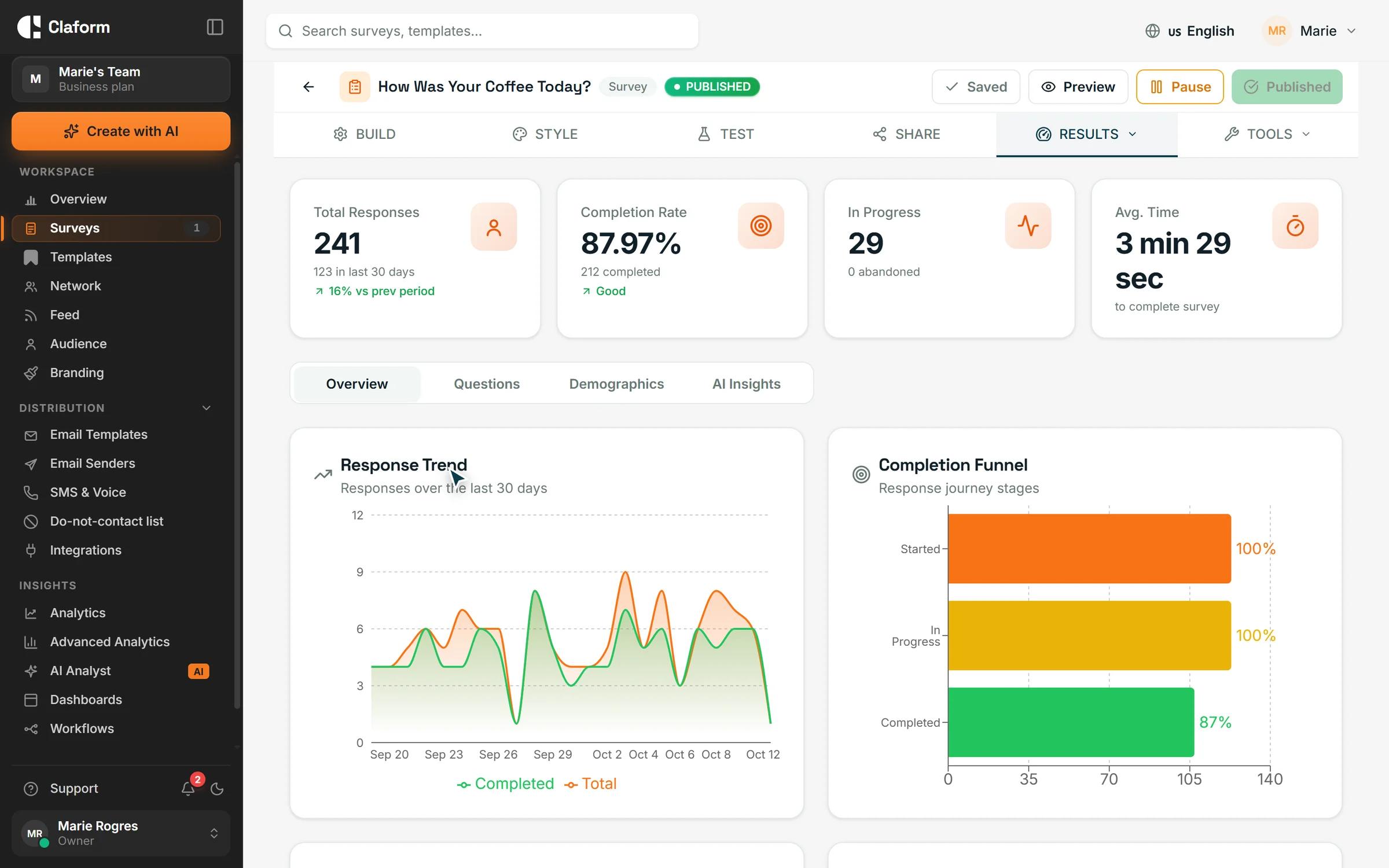
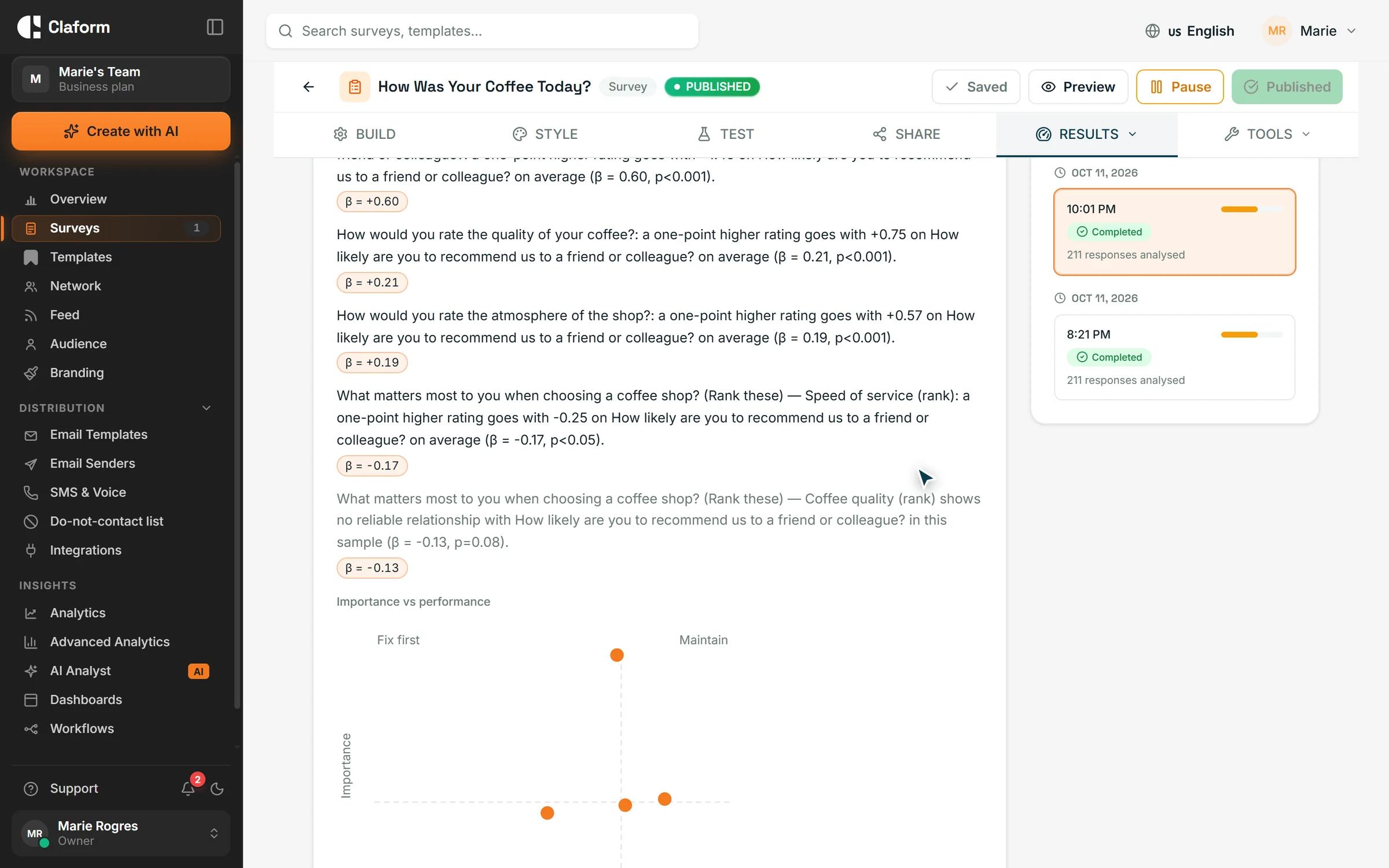
Embedded responses carry their own source tag, so you can separate them from email or QR code answers. Follow the response trend and the completion funnel to see where visitors stop.
- Responses grouped by source
- Response trend over time
- Completion funnel
How to add a survey to your website
- 01
Publish your survey
Build it yourself, start from a template or let Clue AI draft it, then publish.
- 02
Pick an embed type
Choose iframe, inline, popup or slide-in on the Share page and copy the snippet.
- 03
Paste it into your page
Add the snippet to your site's HTML or a custom HTML block, and responses start arriving.
Surveys that work well on a website
Short surveys for visitors, users and customers.
- Website Feedback Survey TemplateGather actionable website feedback from visitors. Measure usability, content quality, and conversion barriers with targeted questions for continuous improvement.View template
- Product Feedback Survey TemplateGather actionable product feedback from users. Measure feature satisfaction, identify improvement areas, and prioritize your product roadmap.View template
- Post-Purchase Survey TemplateCapture customer feedback right after purchase. Measure buying experience, product satisfaction, and identify improvement opportunities.View template
What you get
- Embed types
- 4Embed typesIframe, inline, popup and slide-in
- Theme presets
- 46Theme presetsMatch the survey to your site
- Question types
- 35+Question typesFrom star ratings and NPS to open text
- Native mobile SDKs
- 4Native mobile SDKsiOS, Android, React Native and Flutter
Website survey questions, answered
How do I embed a survey on my website?
Publish the survey, open its Share page and choose Embed. Pick iframe, inline, popup or slide-in, adjust the size if needed, then copy the snippet into your page's HTML.
Can I embed a survey with an iframe?
Yes. The iframe option gives you a standard iframe tag with the width, height and corner radius you choose. If you would rather have the frame fit the survey's height automatically, use the inline embed.
Can I add a popup survey to my site?
Yes. The popup snippet adds a button that opens the survey in a modal window. Developers can also open the popup from their own script, for example after a purchase is completed.
Is there a website feedback widget?
Yes. The slide-in option adds a floating button, with the label you choose, on the left or right edge of the page. Clicking it opens the survey in a side panel without leaving the page.
Which plan do I need to embed a survey?
Embedding is on Professional and above, which has a 7-day free trial. On every plan, including Free, you can share the survey link and link to it from your site.
Does the embedded survey work on mobile?
Yes. The inline embed resizes to the survey's height, and the popup and slide-in panel fit narrow screens.
Can I use the embed code with any website builder?
The snippet is plain HTML and JavaScript, so you can paste it into any page or site builder that accepts custom HTML.
Can I show surveys inside my mobile app?
Yes. Claform has native SDKs for iOS, Android, React Native and Flutter that show your surveys inside your own app.
Ask visitors while they are here
Start on the Free plan with no credit card, and try embedding with the 7-day free trial on Professional.