Donation forms
Online donation forms for nonprofits
Tell your cause's story, offer suggested amounts, show progress toward your goal and take one-time or monthly gifts. Donations are paid through Stripe straight into your organisation's own account.
- Gifts paid to your Stripe account
- Suggested and custom amounts
- Live goal and progress bar
- Monthly giving on Business
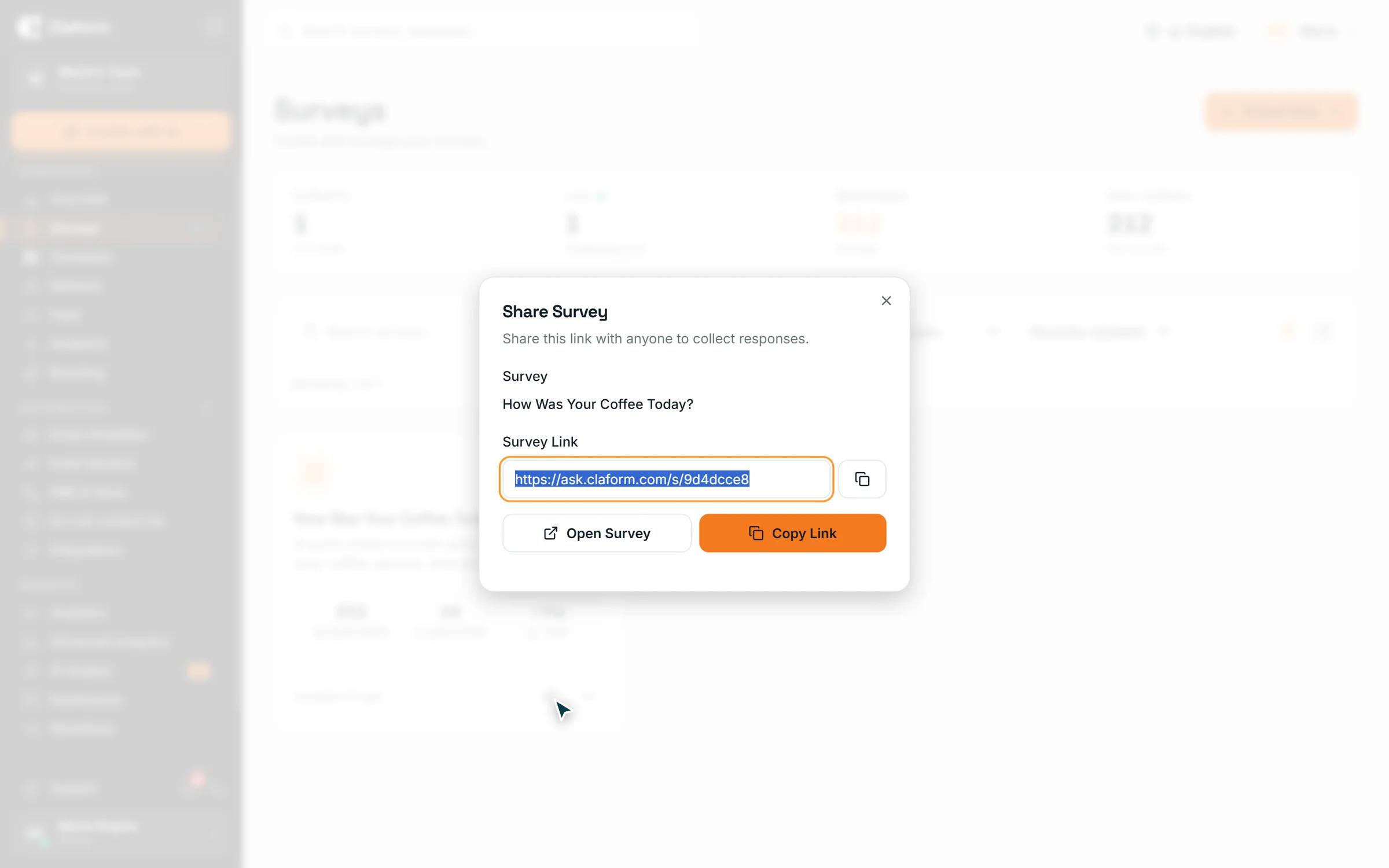
How do I create an online donation form for my nonprofit?
Create a donation form in Claform, tell your cause's story, set suggested amounts and allow a custom gift, then connect your Stripe account. Add a goal to show a live progress bar and share the link or QR code. Donors pay by card, get an email receipt, and gifts go to your Stripe account.
The challenge
Giving should take one minute, not five tools
Small teams lose gifts and hours to clumsy donation setups.
A checkout that loses donors
A generic payment link with no story and no suggested amounts makes giving feel like shopping.
Records in too many places
Donor details live in one tool and payments in another, so every report starts with a spreadsheet.
No visible progress
Supporters cannot see how close the campaign is to its goal, so there is no reason to give today.
Monthly gifts are hard to manage
Recurring donors have to email you to change or stop a gift, and someone has to handle each request.
How Claform helps
A donation page, the payment and the records in one place
Built in the same builder you use for forms and surveys.
A donation page that tells your story
Add your cause title, story and cover image, suggested amounts with one preselected, and an optional custom amount with a minimum and maximum. Choose which donor details to ask for.
- Suggested and custom amounts
- Optional name, email, dedication and message
- Donors can choose to cover the processing fee
Share it and show your progress
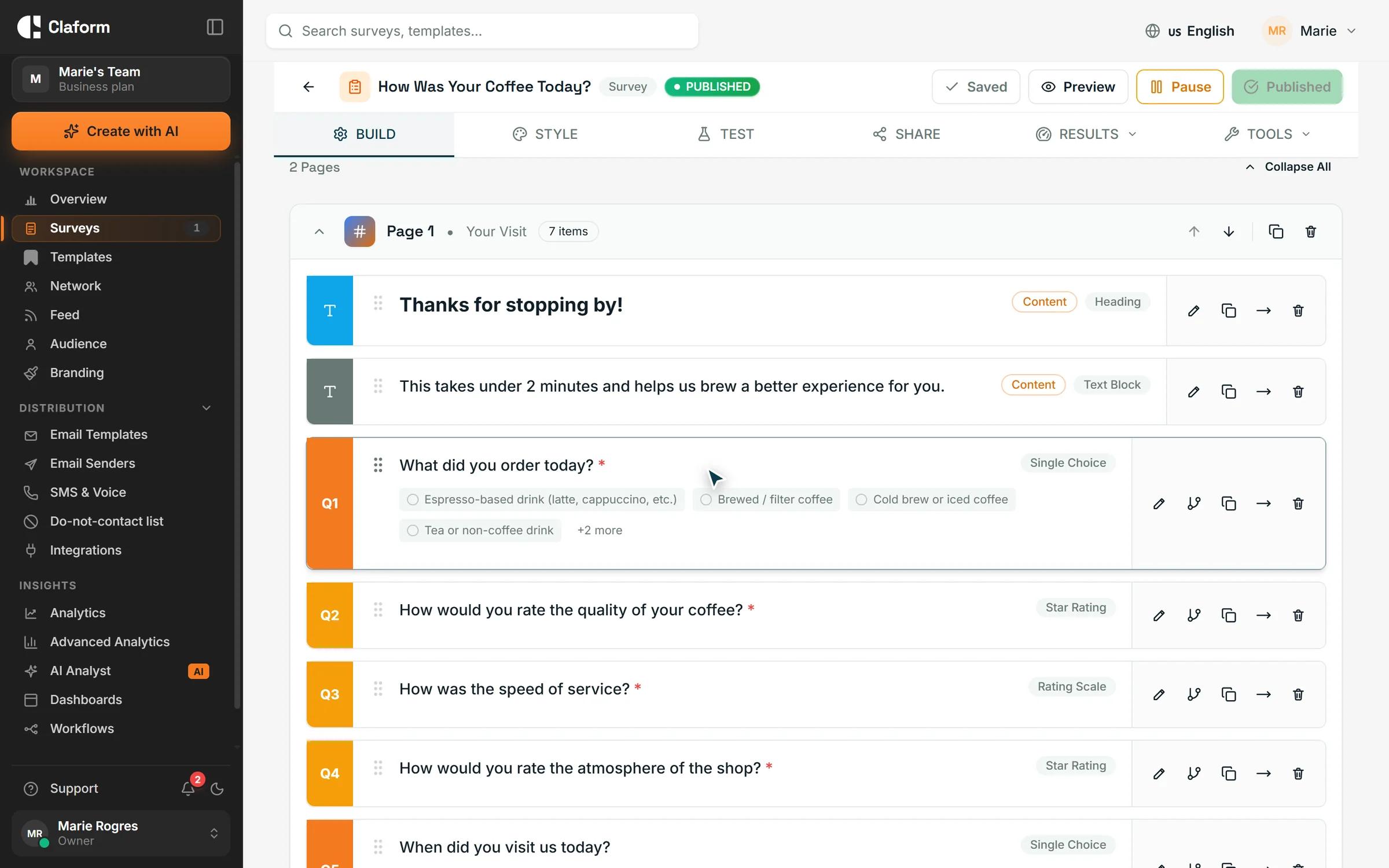
Set a goal and an end date to show a live progress bar with the amount raised, the donor count and the days left. Share the link or QR code, and add a donor wall that shows first names only.
- Goal, end date and progress bar
- Donor wall with first names, anonymous gifts hidden
- Share by link, QR code, email or SMS
Every gift recorded
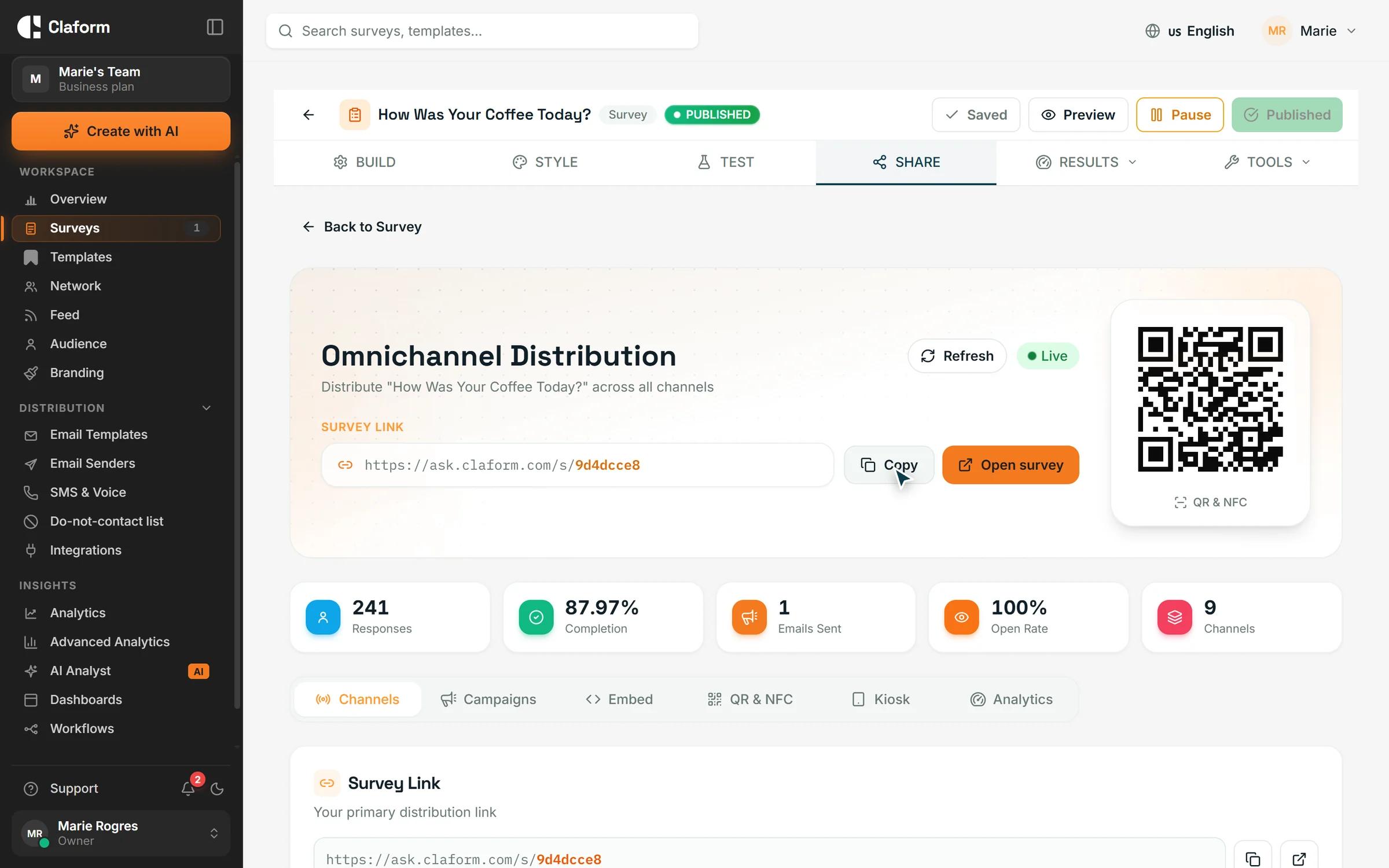
See the total raised, donor count, average gift and refunds for each form, next to every gift. Export all gifts to CSV and let monthly donors manage their own gift from a link in their receipt.
- Email receipts with your own note
- CSV export of every gift
- Self-service link for monthly donors
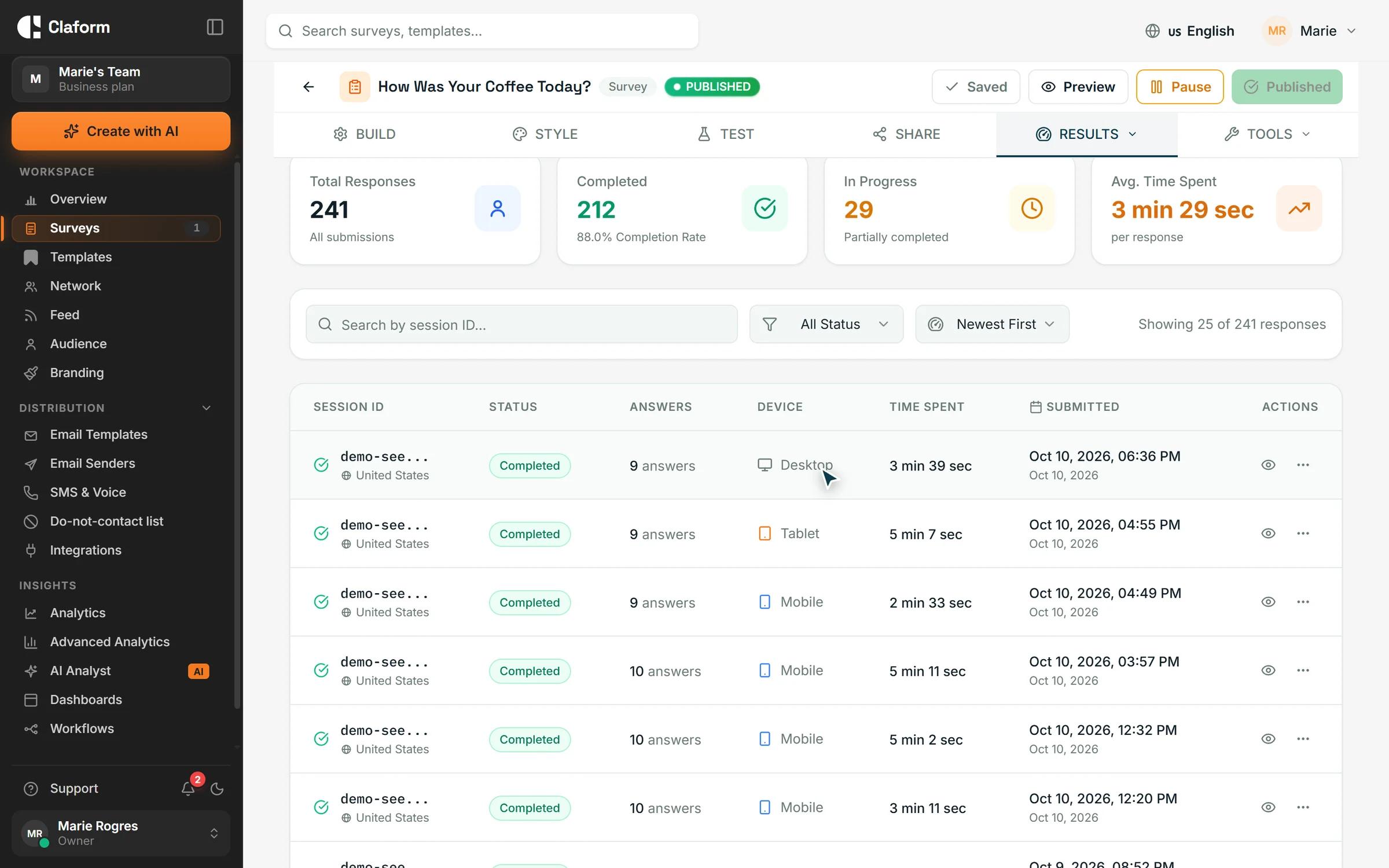
How it works
- 01
Connect Stripe
Connect your organisation's Stripe account through Stripe's own onboarding. Gifts are paid into it.
- 02
Build the donation form
Start a new payment form as a donation page, add your story, amounts and goal, and publish.
- 03
Share and follow progress
Share the link or QR code, watch the progress bar fill and export your gifts whenever you need them.
Forms to pair with your campaign
Thank supporters and hear from them after an event or appeal.
- Event Feedback Survey TemplateCapture valuable feedback after conferences, webinars, workshops, and corporate events. Includes questions on content, speakers, logistics, and overall satisfaction.View template
- Onboarding Feedback Survey TemplateOptimize your customer onboarding experience. Gather feedback on setup process, training effectiveness, and time-to-value for new users.View template
- Brand Awareness Survey TemplateMeasure brand recognition and perception in your target market. Track aided and unaided awareness, brand associations, and competitive positioning.View template
What you get
- Payments
- StripePaymentsGifts paid into your organisation's own Stripe account
- Gift export
- CSVGift exportEvery gift with donor details, fees and refunds
- Question types
- 35+Question typesAsk supporters anything else alongside the gift
- Form languages
- 7Form languagesDonation pages and receipts in the donor's language
Donation form questions, answered
Where does the donation money go?
Gifts are paid into your organisation's own Stripe account, which you connect through Stripe's onboarding. Stripe then pays out to your bank on your Stripe payout schedule.
Which plan do I need for a donation form?
Donation and payment forms are available on Professional and above, which comes with a 7-day free trial. Monthly giving is part of the advanced payment features on Business and Enterprise. You can start on the Free plan and upgrade when you are ready to collect gifts.
Can donors give monthly?
Yes, on Business and above. Turn on monthly giving and donors can choose a monthly gift, billed through Stripe. Every monthly receipt includes a secure link where the donor can review or cancel their gift without contacting you.
What fees are there?
Stripe's processing fees apply to each gift, as set by your Stripe account. You can let donors choose to add the fee to their gift so your cause receives the full amount.
Do donors get a receipt?
Yes. Each donor receives an email receipt in their language with the cause, the gift, any fee they covered and any dedication. You can add your own note, such as your charity registration number. Whether a gift is tax-deductible depends on your organisation and local rules.
Can I show a fundraising goal?
Yes. Set a goal and an optional end date to show a progress bar with the amount raised, the percentage, the number of donors and the days left. You choose which of these to show, and the form can stop taking gifts when the campaign ends.
Which currencies can I accept donations in?
A donation form can run in US dollars, euros, British pounds, Canadian and Australian dollars, Swiss francs, Japanese yen, Brazilian reais, Mexican pesos, Indian rupees, Saudi riyals, UAE dirhams or Thai baht. Each form uses one currency.
Can I export donations?
Yes. Download every gift as a CSV file with the date, donor name and email, frequency, gift, fee covered, refunds, currency, dedication and message, ready for your donor database or accounting.
Launch your donation page this week
Start on the Free plan with no credit card, then turn on donation forms with Professional when you are ready to collect gifts.