Arabic surveys
Arabic surveys that read right to left
Write your survey in Arabic, English or both. Survey pages switch fully to right-to-left, the Claform app works in Arabic, and Clue AI drafts and translates questions in Arabic. For businesses and public bodies across the Middle East and North Africa, and anyone surveying Arabic speakers.
- Fully right-to-left survey pages
- The Claform app in Arabic
- Clue AI writes in Arabic
- Arabic and English in one survey
Can I create an online survey in Arabic?
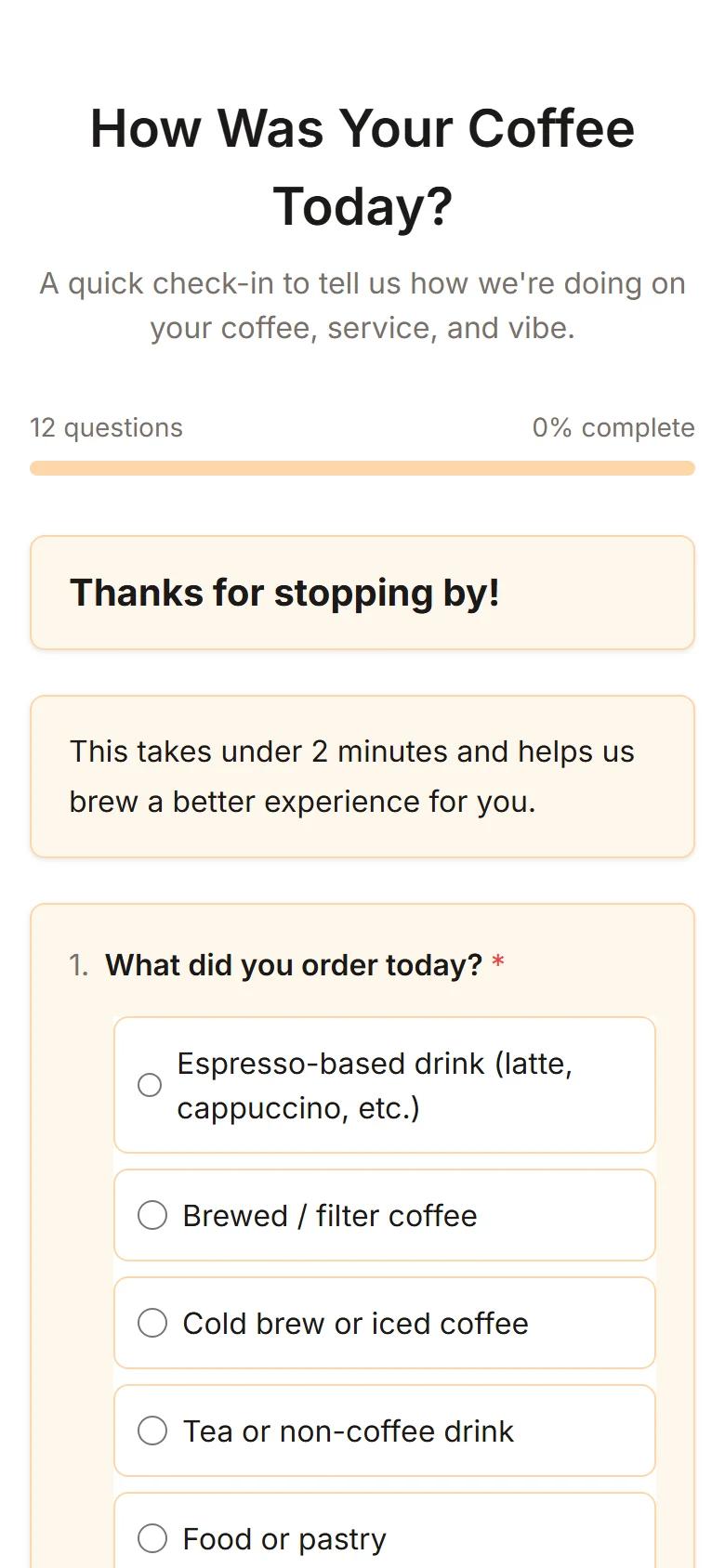
Yes. Claform lets you write a survey in Arabic, or in Arabic and English together, and shows it to respondents on fully right-to-left pages with an Arabic font. The app, AI-written drafts and PDF reports also work in Arabic, and you can share the survey by link, QR code, email or WhatsApp.
The challenge
Most survey tools were built for English
Arabic often works as an afterthought, and respondents notice.
Layouts that run the wrong way
Arabic text sits on left-aligned pages, with buttons and progress pointing the wrong way.
Broken text and numbers
Mixed Arabic and English lines reorder, and exported reports scramble Arabic or drop it.
Two surveys for two languages
Bilingual audiences end up with separate surveys and two sets of results to merge.
Invitations that miss people
Invitations need to reach people on the channels they already use, such as WhatsApp.
How Claform helps
Arabic from the first question to the final report
Right-to-left support in the builder, the survey page, the invitations and the results.
Write in Arabic, or let Clue AI draft it
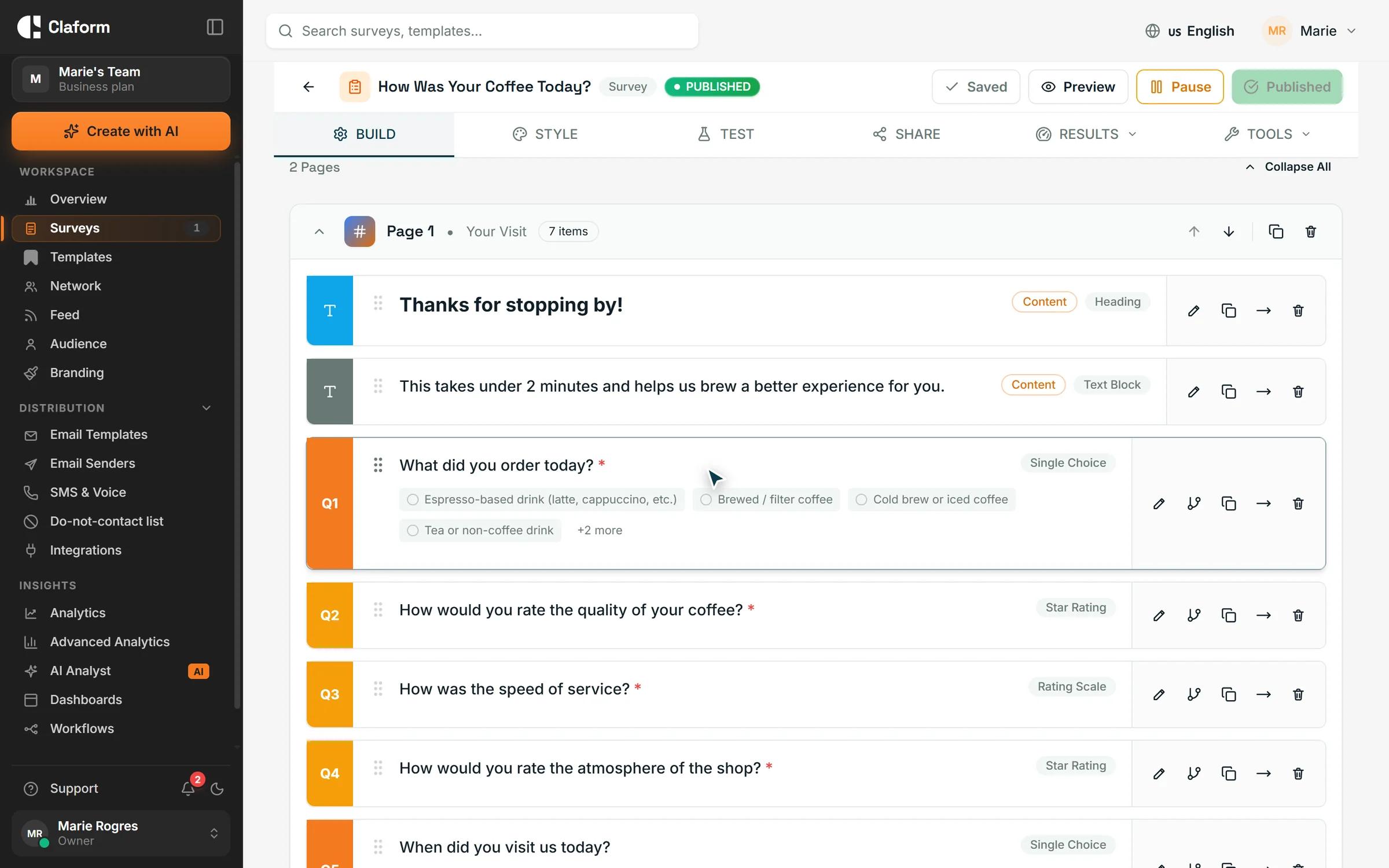
Type questions in Arabic in the builder, or describe the survey and Clue AI drafts it in your language. On Starter and above, add English or another language to the same survey, translate it with AI and review every line before you publish.
- Clue AI drafts surveys in Arabic
- AI translation on Starter and above
- One survey and one set of results
Reach respondents where they are
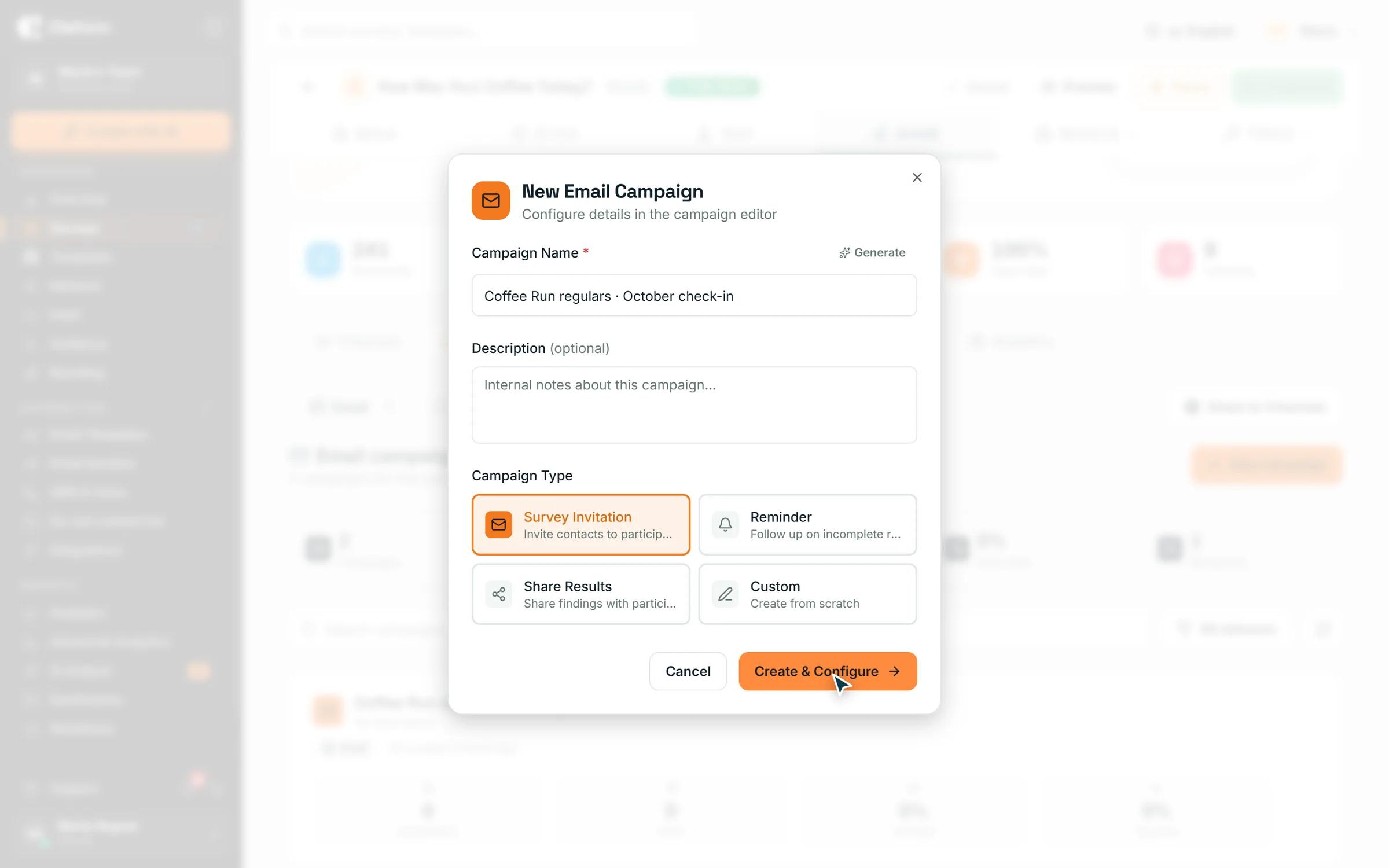
Share a link or QR code anywhere, send invitations by email, and on Professional and above send surveys over WhatsApp. Invitations support Arabic text, and emails are laid out right to left. SMS sender numbers are available for the US and Canada only.
- WhatsApp on Professional and above
- Right-to-left email invitations
- Links and QR codes that work anywhere
Results and reports in Arabic
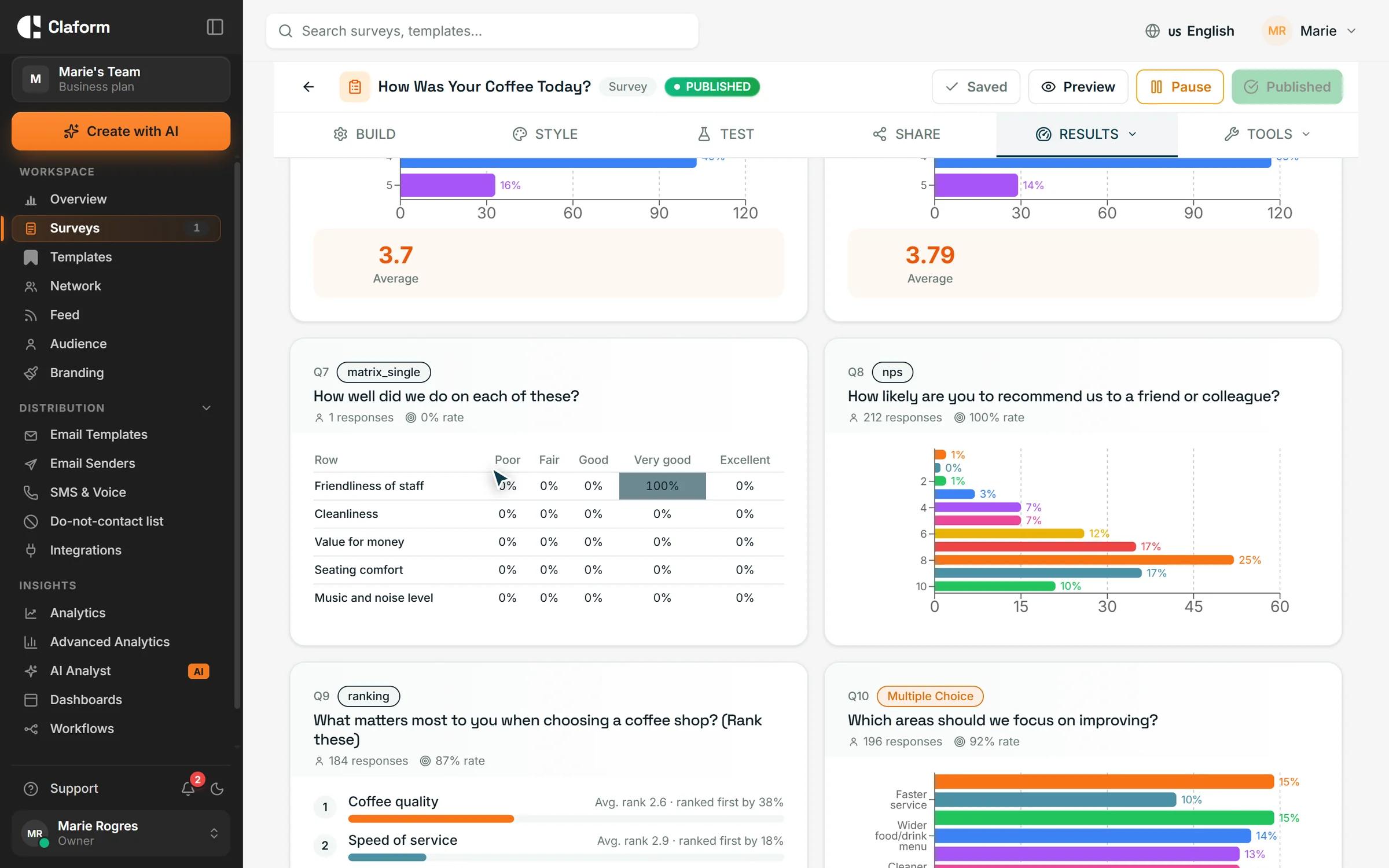
Charts show Arabic answers as written, the AI Analyst can write its findings in Arabic, and PDF exports use an Arabic font and keep mixed Arabic, English and numbers in the right order.
- AI Analyst findings in Arabic
- PDF reports with an Arabic font
- Numbers and Latin words kept in order
How it works
- 01
Write it in Arabic
Type your questions, start from a template or ask Clue AI in Arabic.
- 02
Add other languages
Add English or another language. Respondents choose, and the page switches direction.
- 03
Share and read the results
Send by WhatsApp, email, link or QR code, then read results and reports in Arabic.
Templates to start from
Customer, employee and patient surveys you can write or translate into Arabic.
- Customer Satisfaction (CSAT) Survey TemplateMeasure customer satisfaction with this proven CSAT survey template. Includes key satisfaction questions, follow-up prompts, and benchmarking guidelines.View template
- Employee Engagement Survey TemplateComprehensive employee engagement survey covering satisfaction, motivation, growth opportunities, and workplace culture. Includes eNPS and actionable follow-ups.View template
- Patient Satisfaction Survey TemplateCAHPS-aligned patient satisfaction survey for healthcare providers. Measure care quality, provider communication, and patient experience across key touchpoints.View template
What you get
- Respondent languages
- 7Respondent languagesArabic, English, French, German, Spanish, Portuguese and Thai
- Right-to-left layout
- RTLRight-to-left layoutText, buttons and progress mirrored for Arabic
- Distribution channels
- 8Distribution channelsIncluding WhatsApp, email, QR codes and kiosk
- Survey templates
- 650+Survey templatesReady-made surveys to edit and send
Arabic survey questions, answered
Does Claform support surveys in Arabic?
Yes. You can write surveys in Arabic, and respondents see a fully right-to-left page with an Arabic font. Direction follows the content too, so a survey written in Arabic reads right to left even without a translation set up.
Can one survey be in both Arabic and English?
Yes, on Starter and above. Add translations to the same survey. Respondents pick their language, or it is chosen from their browser language, and all answers arrive in one set of results.
Can AI create a survey in Arabic?
Yes. Describe what you need in Arabic and Clue AI drafts the questions in Arabic. The AI builder is included on the Free plan, with monthly allowances by plan. See Pricing.
Is the Claform interface available in Arabic?
Yes. The Claform app is available in Arabic and switches to a right-to-left layout, so your whole team can build surveys and read results in Arabic.
Can I send surveys by WhatsApp?
Yes. WhatsApp distribution is available on Professional and above, together with WhatsApp analytics. Professional comes with a 7-day free trial.
Can I send SMS surveys in Saudi Arabia or the UAE?
Not from a local number. Claform SMS sender numbers are available for the US and Canada only. To reach respondents in the Gulf, use WhatsApp, email, a survey link or a QR code, which work in any country.
Do PDF reports display Arabic correctly?
Yes. PDF exports use an Arabic font and order mixed Arabic, English and numbers correctly, so a score of 42 stays 42 and English product names read as written.
Ask in Arabic, hear everyone
Start on the Free plan with no credit card, and add translations, WhatsApp and more as you grow.